
Install IPTV on MAG Device
Learn how to install IPTV on your MAG device with this simple step-by-step guide. Set up Voodoo Streams IPTV in minutes and start watching live TV, movies, and series in high quality with fast and stable streaming. This guide is beginner-friendly and works on all MAG boxes.
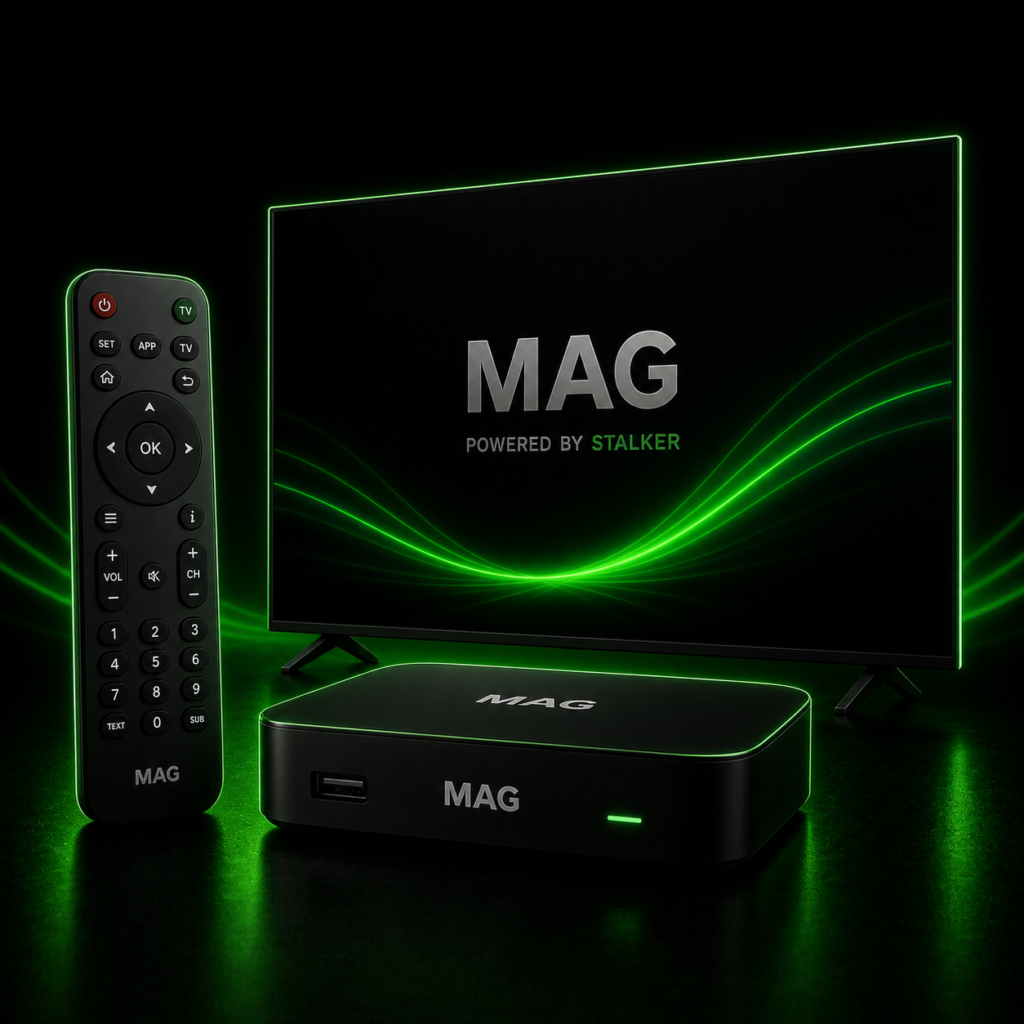
How to Install Voodoo Streams on a MAG Box
MAG boxes are among the most popular and reliable IPTV devices on the market. They are known for their speed, simplicity, and excellent streaming performance. The interface is clean and responsive, channel switching is fast, and setup only takes a few minutes. Follow the steps below to configure your MAG box with your Voodoo Streams subscription.
Before You Begin
Make sure your MAG box is connected to the internet and powered on. You will need the Portal URL provided in your Voodoo Streams welcome email before starting. Keep that email handy as you go through the steps below.
Step-by-Step Setup Guide
Step 1 — Power on your MAG box and wait for the main portal screen to load. Once it appears, press the Setup or Set button on your remote control to open the settings menu.
Step 2 — In the settings menu, select System Settings, then click on Servers.
Step 3 — Inside the Servers section, select Portals to open the portal configuration screen.
Step 4 — You will see two fields to fill in:
- Portal 1 Name: Enter any name you like (e.g. Voodoo Streams)
- Portal 1 URL: Enter the Portal URL provided in your Voodoo Streams welcome email
Step 5 — Once both fields are filled in, press OK on your remote to save the portal settings.
Step 6 — Press Exit on your remote to go back, then navigate to General settings.
Step 7 — In the NTP Server field, enter the following time server address to ensure your MAG box clock is accurate:
- For most regions: pool.ntp.org
- For North America: us.pool.ntp.org
Press OK to save this change.
Step 8 — Press Exit twice on your remote control to return to the main screen, then restart the portal. Your MAG box will reload and connect to Voodoo Streams automatically.
Once the portal restarts, your full channel list will appear and you are ready to start watching Live TV.
What You Can Watch
Once your MAG box is configured with Voodoo Streams, you’ll have full access to your subscription content:
- Live TV — Thousands of live channels from around the world
- Movies (VOD) — A large on-demand movie library updated regularly
- TV Series — Full series available to watch anytime
- TV Guide (EPG) — A full programme guide so you always know what’s on
You’re All Set!
Your Voodoo Streams subscription is now fully configured on your MAG box. If you need your Portal URL or login credentials, or if you run into any issues during setup, check your welcome email or visit our Contact page and our support team will be happy to help.

Facing Issues with the Setup?
If you run into any problems during the installation, contact our support team and we’ll help you get Voodoo Streams up and running quickly.